+91 70472 61502‬/ +91 62941 63194 GSTIN-19AAYFT9548G1Z3
Technobarcode • Kolkata, India

Get Your Product
Barcode Today

Barcodes & QR Codes for Your Business

Choose your barcode or QR quantity, add your product details and access your files from My Account. One-time purchase with personal support.

One-time barcode & QR packages • No annual renewal fee • Customer dashboard access

Choose your solution

Simple tools for a growing business.

|||

EAN-13 Barcodes

Choose a package for your product range. Manage company and product details in your account.

  • Packages from 1 to 1,000 barcodes
  • Four separate delivery downloads
  • Permanent assigned numbers
Browse barcode packages
▦

Editable Link & Dynamic QR

Connect packaging, menus and marketing materials to your website or destination link.

  • 1, 5 and 10 QR code packages
  • Editable links can change after printing
  • Dynamic product/business pages stay editable
Choose QR package
POS

POS Software

POS software is available through Technobarcode. Discuss your shop, billing workflow and software requirements with us.

  • Demo and package enquiry
  • Discuss billing and inventory needs
  • Confirm included features before purchase
Explore POS software
EAN-13 packages

Start small. Scale with your product range.

Choose the quantity you need. Current package prices are shown below.

Choose your own quantity

Choose the Barcode Quantity You Need

Enter your required quantity to see your price. Custom pricing follows our package price tiers.

Your selected quantity appears as one custom item in your cart. Taxes, if applicable, are calculated at checkout. All slots are linked to the same customer dashboard after payment.

One-time purchase

1 EAN- 13 BARCODE

Regular price: ₹1,500.00.Current price is: ₹1,200.00.
Sample barcode

PNG & PDF artwork, product Excel and allocation certificate.

View package
One-time purchase

10 EAN- 13 BARCODE

Regular price: ₹6,500.00.Current price is: ₹5,200.00.
Sample barcode

PNG & PDF artwork, product Excel and allocation certificate.

View package
One-time purchase

50 EAN-13 BARCODE

Regular price: ₹10,500.00.Current price is: ₹8,500.00.
Sample barcode

PNG & PDF artwork, product Excel and allocation certificate.

View package
One-time purchase

100 EAN-13 BARCODE

Regular price: ₹12,500.00.Current price is: ₹10,000.00.
Sample barcode

PNG & PDF artwork, product Excel and allocation certificate.

View package
Our work

Brands We’ve Worked With

A selection of customer products and packaging from brands we’ve supported with barcode services.
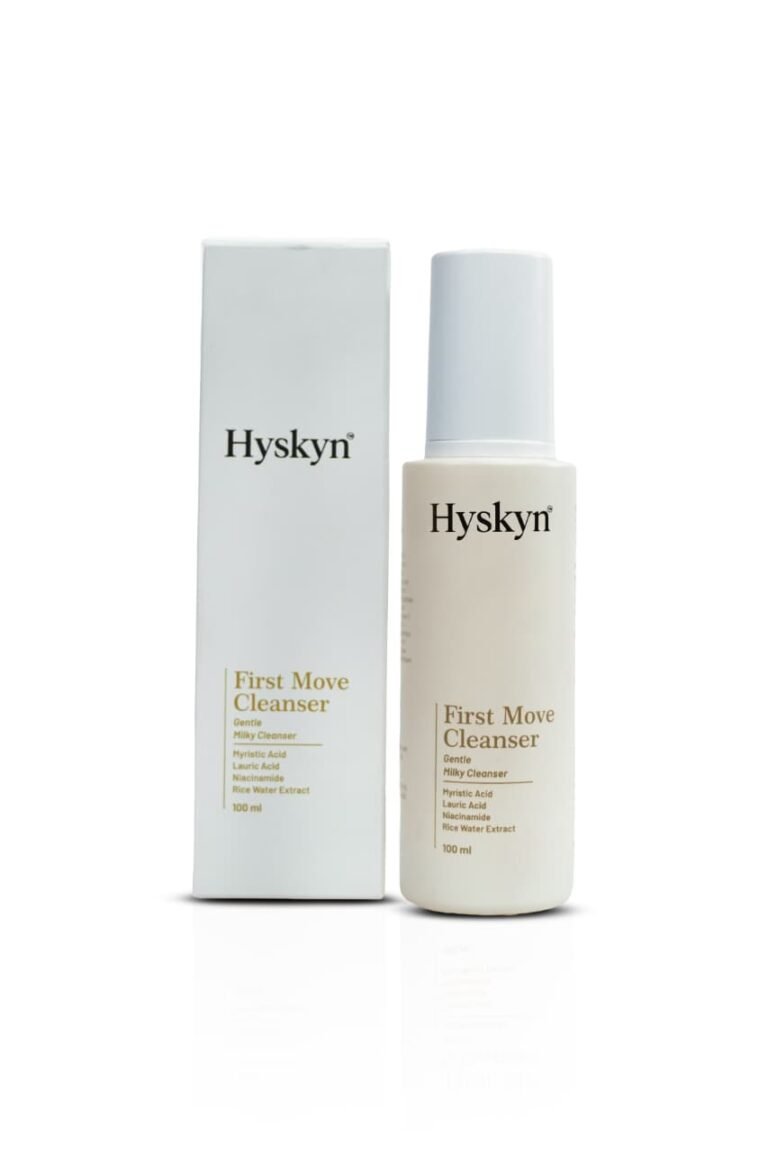
Hyskyn — Skincare customer product
HyskynSkincare
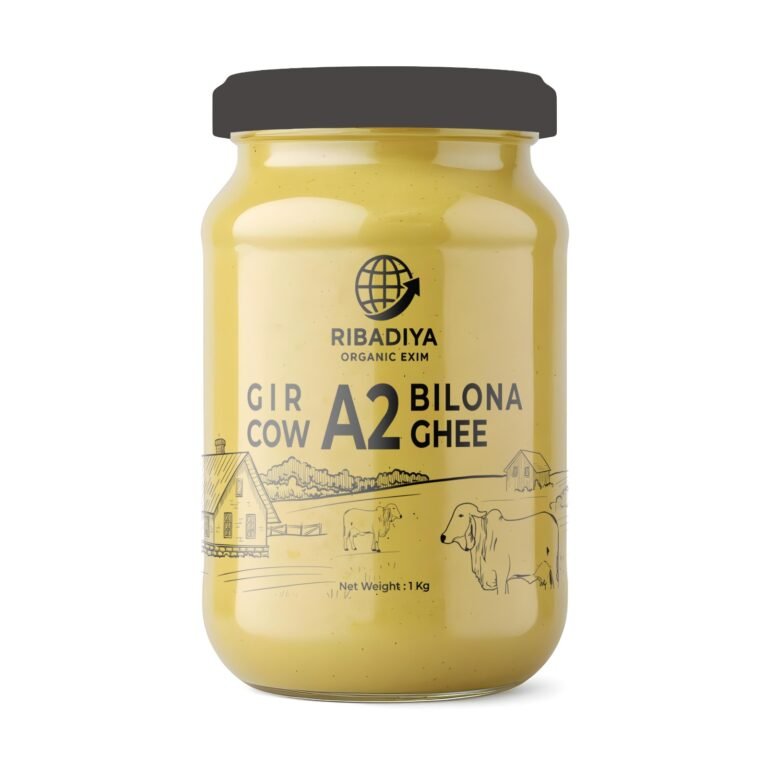
Ribadiya Organic Farm — A2 bilona cow ghee customer product
Ribadiya Organic FarmA2 bilona cow ghee
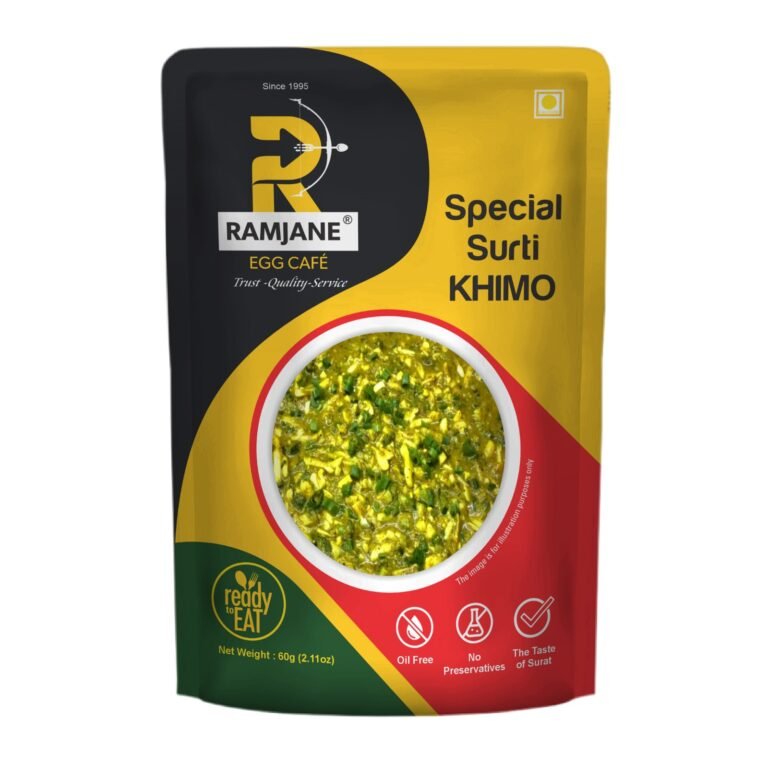
Ramjane Food Cafe — Packaged food customer product
Ramjane Food CafePackaged food
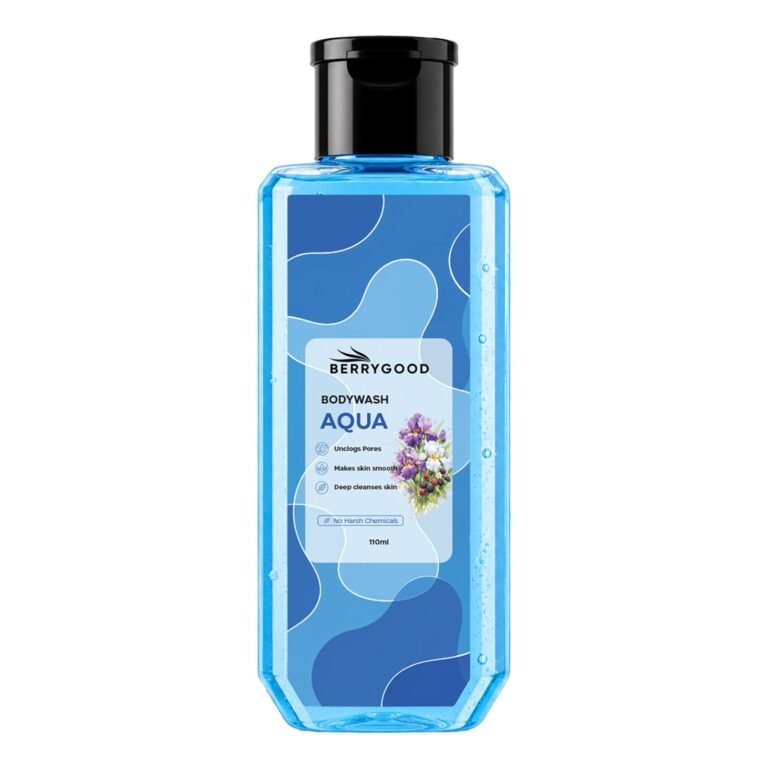
BerryGood — Body care customer product
BerryGoodBody care
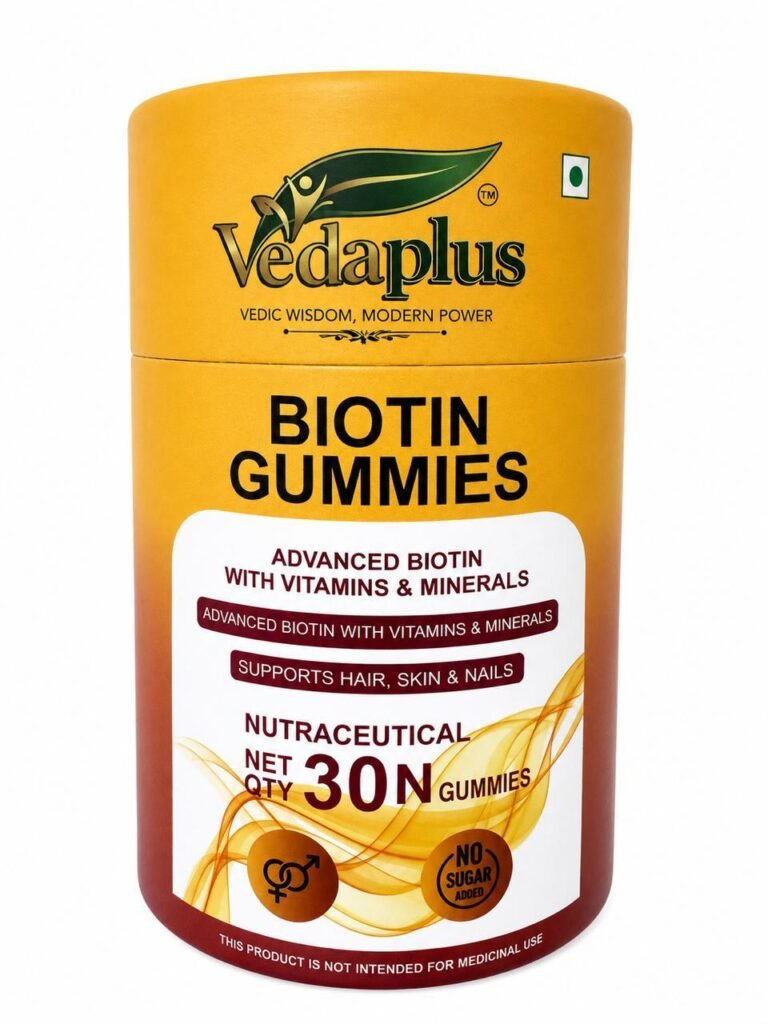
Vedaplus — Gummies customer product
VedaplusGummies
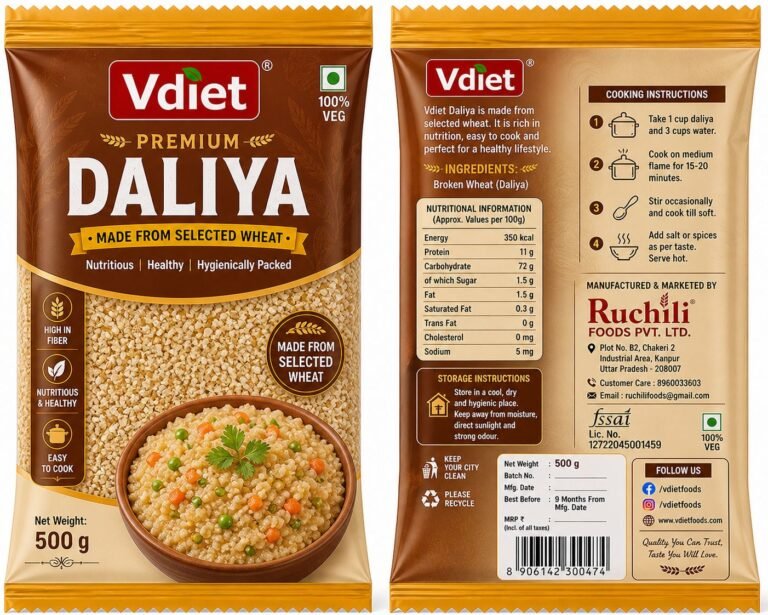
Vdiet — Premium daliya customer product
VdietPremium daliya
Tejlak — Classic tea customer product
TejlakClassic tea
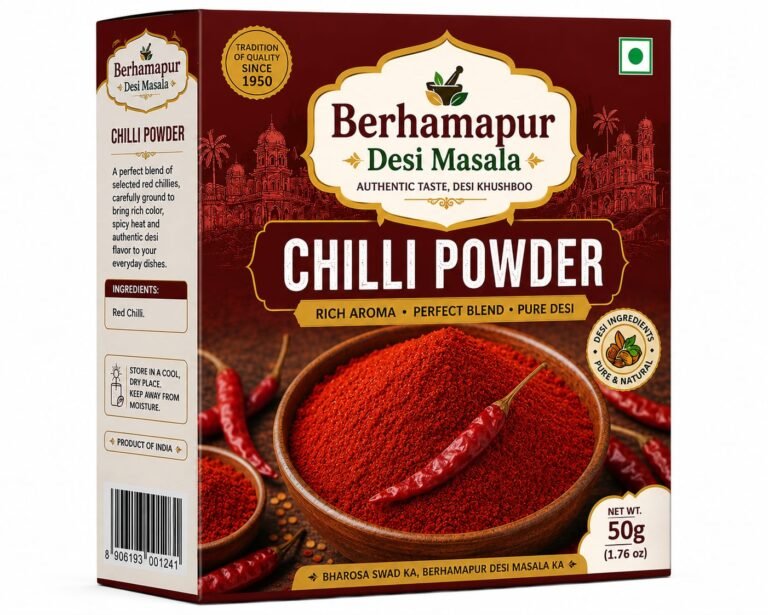
Berhampuri Desi Masala — Chilli powder customer product
Berhampuri Desi MasalaChilli powder
See more customer brands
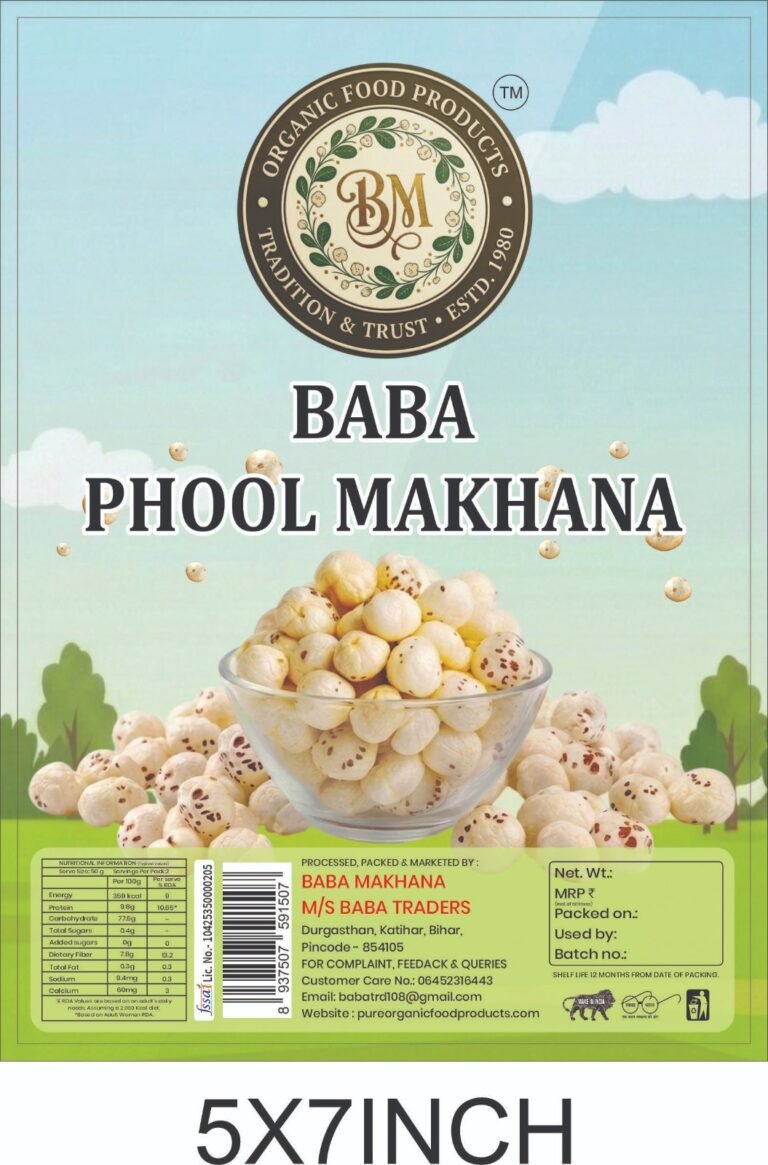
Baba Phool Makhana — Makhana customer product
Baba Phool MakhanaMakhana
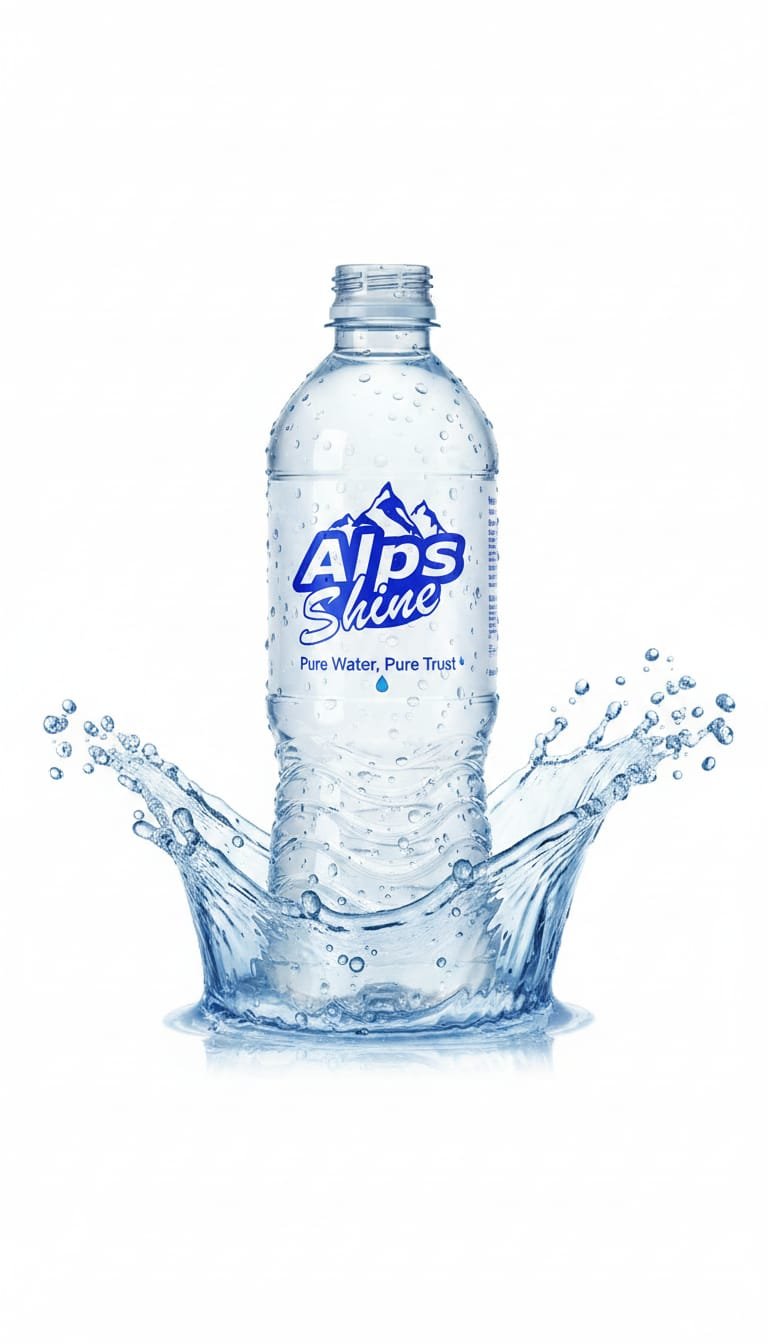
Alps Blue — Packaged water customer product
Alps BluePackaged water
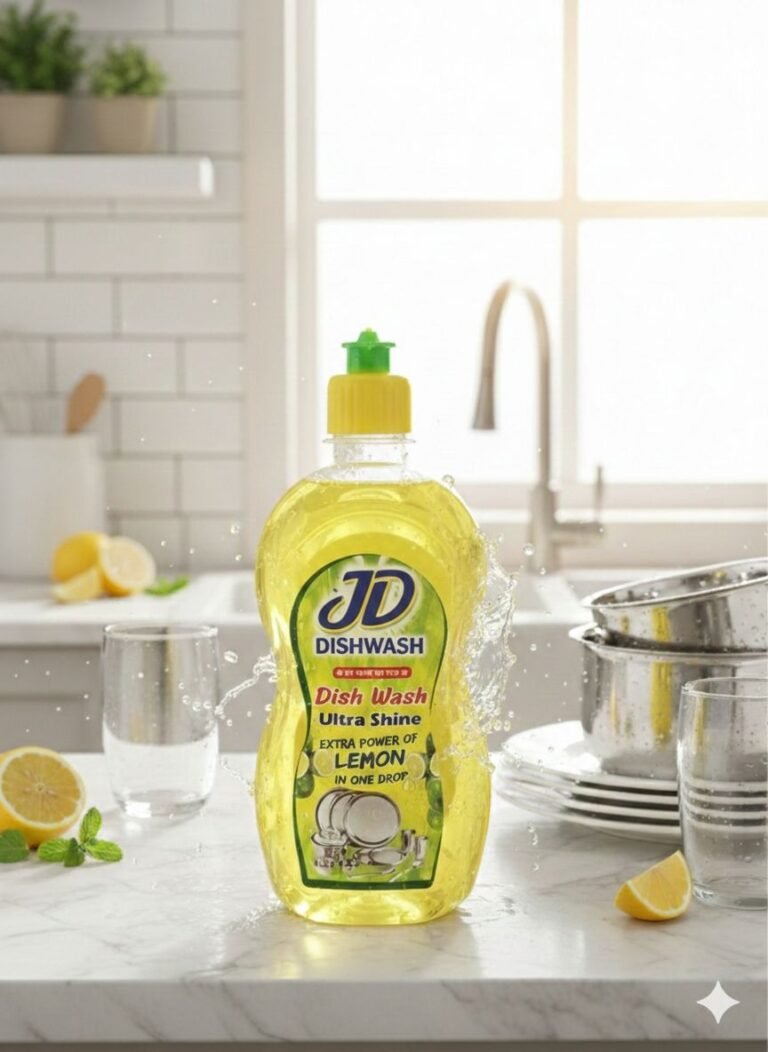
JD — Home care customer product
JDHome care
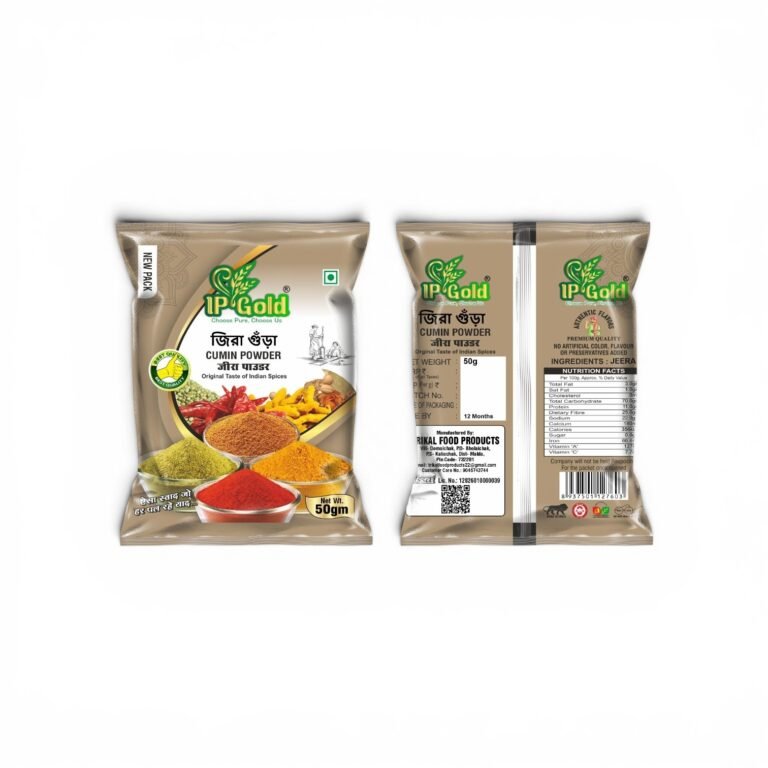
P-Gold — Spices customer product
P-GoldSpices
Customer feedback

What our customers say

Selected customer reviews from Google.

★★★★★
Excellent service! The barcode was created quickly and the entire process was smooth and hassle-free. Very professional and helpful service. I’m completely satisfied with the quality and support. Highly recommended!
O OrganicoGoogle review
★★★★★
Excellent service. Very reasonable priced. Good communication. Dependable.
M.P. SonikaGoogle review
★★★★★
Bar Code की सर्विस बहुत अच्छी और भरोसेमंद है। बारकोड बनवाने की पूरी प्रक्रिया आसान और तेज रही। टीम ने सही जानकारी देकर बहुत अच्छे तरीके से काम किया। समय पर काम और अच्छा सपोर्ट मिला। Highly Recommended 👍
Suresh kumar ChoudharyGoogle review
★★★★★
Meine instagram page se contact Kiya tha i trusted kaam accha he inka service bhi achi he Very Happy 😊
Shree Radhe Agarbatti , Zinkal AgarbattiGoogle review
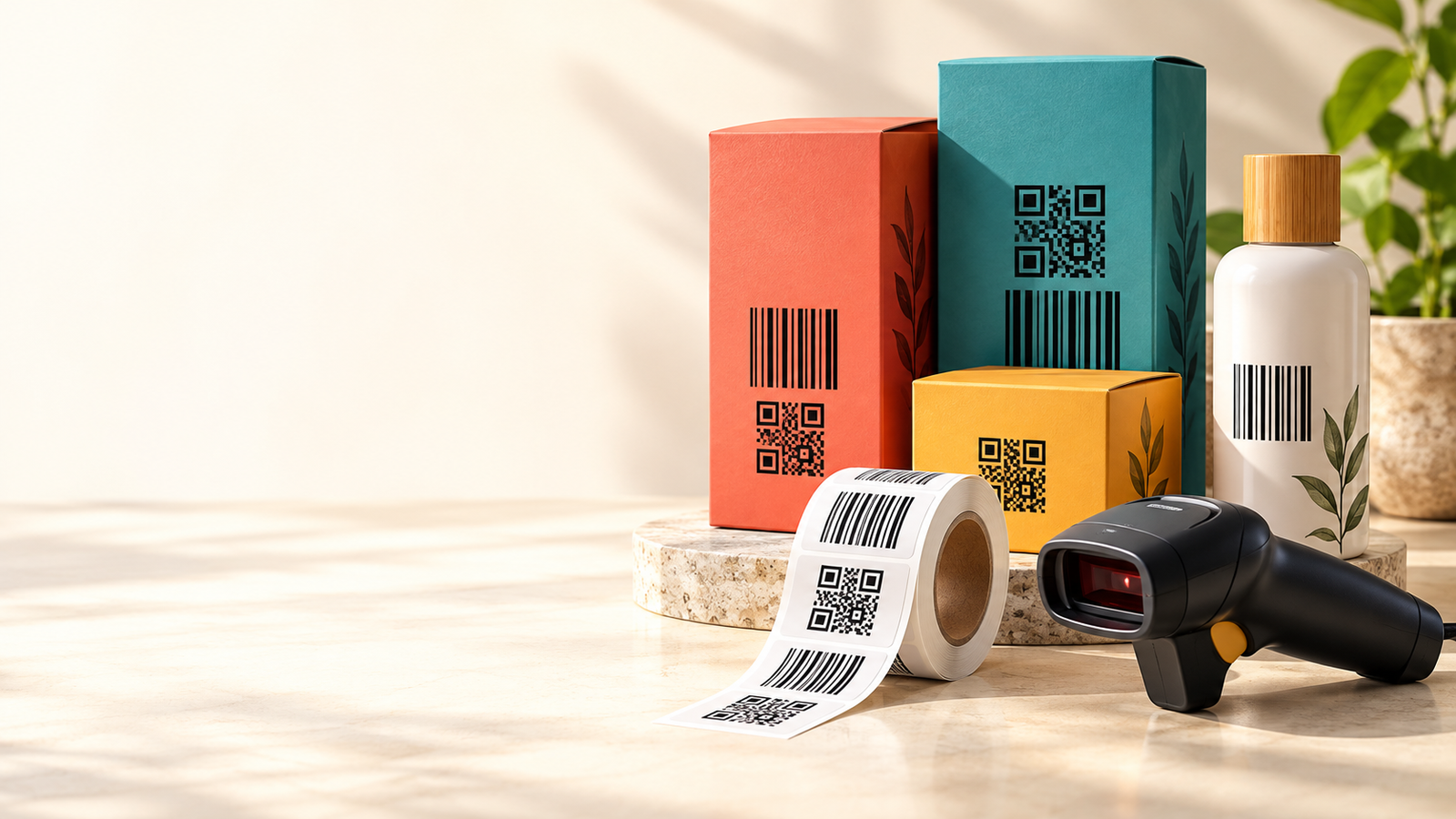
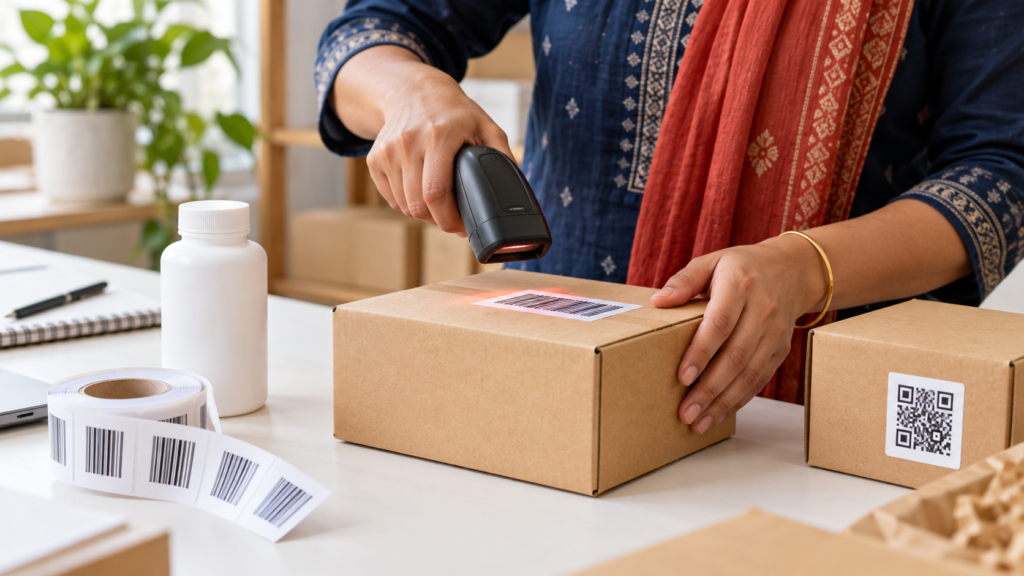
Illustrative photo of a business owner scanning a barcode on product packaging
Illustrative image
From packaging to everyday business

Give every product a clear identity.

Use barcode artwork on your product packaging and labels. Connect each assigned number to its product record in your billing or inventory software for a simpler scanning workflow.

Use QR codes to connect your packaging to a website, product page or other destination link.

How it works

Three clear steps to your barcode delivery.

01 / CHOOSE

Select your package

Buy online or contact us for a WhatsApp/offline order linked to your customer account.

02 / ADD DETAILS

Tell us about your products

Enter company details, brand, product name, net quantity and MRP in My Account.

03 / DOWNLOAD

Get your delivery files

After review and delivery, download PNG ZIP, PDF ZIP, Product Details Excel and your certificate separately. We email you when they are ready.

Need help choosing a package?

Talk to our team about your products, QR destination or POS requirements.

Chat on WhatsApp
Product identification made simple

Buy EAN-13 Barcodes for Your Products

Organize your product range with Technobarcode EAN-13 barcode packages. Get clear barcode artwork, permanent assigned numbers and convenient access to your delivery files through your customer account.

What is a barcode?

A barcode represents a number through a pattern of bars that a compatible scanner can read. When that number is linked to a product in your billing or inventory software, scanning helps retrieve the product’s saved information.

Where can you use barcodes?

Barcodes support product identification, stock management, billing and packaging workflows. EAN-13 is a widely used retail barcode format around the world. For use with a particular retailer or online marketplace, confirm its barcode registration requirements before ordering.

What do you receive?

  • High-resolution barcode images in a PNG ZIP
  • Vector barcode artwork in a separate PDF ZIP
  • Product Details Excel with company information and serial numbers
  • Barcode Allocation Certificate

Your account, your product records

Manage your company and product details through My Account. Your assigned barcode numbers remain fixed, and delivered files stay available in your dashboard.

Buy online or contact our team

Browse our one-time barcode packages or discuss your required quantity with Technobarcode. WhatsApp and offline orders can also be linked to your customer dashboard.

Technobarcode maintains its own barcode allocation database. These packages do not include GS1 membership or a GS1 company-prefix licence.

Your next steps

From your purchase to your customer dashboard.

Technobarcode helps you organize product identification and connect customers with your business. Choose the quantity you need, manage your details in one account and receive personal support from our Kolkata team.

EAN-13 Barcodes

  1. Select your quantity and complete payment.
  2. Open My Account → Product Details. Fill company information and each product’s brand, name, net quantity and MRP.
  3. Our team reviews your details and delivers the barcodes.
  4. Download PNG ZIP, PDF ZIP, Product Details Excel and your certificate separately from My Account. Your account email receives a delivery notification.

Assigned barcode numbers stay fixed. Separate serial numbers in filenames and Excel help you match each product.

Editable Link QR

  1. Purchase your required quantity.
  2. Open My Account → Product Details → QR Codes.
  3. Enter a working destination URL and select Generate QR Code.
  4. Download the QR PNG and test it before printing.
  5. To change the destination later, edit the URL and select Save Changes. Keep using the same printed QR.

Dynamic Product / Business QR

  1. Purchase your required quantity and open the QR Codes section in My Account → Product Details.
  2. Add the page title, company/brand, business address, description, logo and product photo.
  3. Add optional website, WhatsApp and menu/catalogue links.
  4. Select Publish Page & Generate QR. View your public page and download the QR PNG.
  5. Edit your page and select Save Changes whenever needed. The printed QR stays the same.

Each QR has its own page. JPG/PNG uploads up to 3 MB per image. Saved page details are public to people who scan the QR.

WhatsApp and offline orders can be linked to the same customer account. QR links and pages require the Technobarcode service to remain online. Previously generated fixed-link QR artwork retains its original destination.

WhatsApp Chat WhatsApp